NinePath works out your Life Path and Personal numbers from your birth date by adding digits and reducing the total. Your Life Path uses all eight digits of the date. Your Personal Year, Month and Day start from your birth month and day and add the current date.
Which numbers does NinePath calculate?
NinePath calculates four numbers, all from your birth date. Your name doesn't change any of these four numbers. If you add your full name at birth, NinePath also works out two name numbers from it. These can shape the wording of your daily explanation.
| Number | Worked out from | Changes |
|---|---|---|
| Life Path | Your birth date | Never |
| Personal Year | Your birth month and day, plus the current year | Every year |
| Personal Month | Your Personal Year, plus the current month | Every month |
| Personal Day | Your Personal Month, plus today's day of the month | Every day |
How is your Life Path calculated?
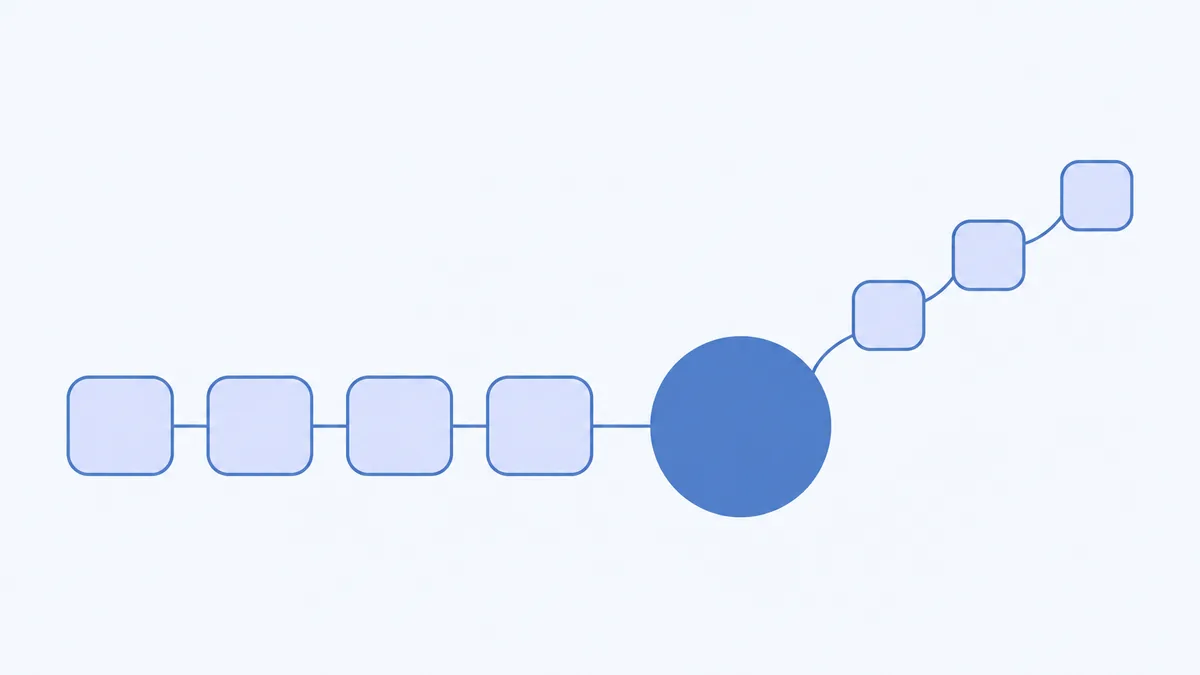
- Add all eight digits of your birth date.
- If the total is 11, 22 or 33, stop: that master number is the Life Path NinePath shows. Otherwise add the digits of the total and repeat until one digit is left or a total lands on 11, 22 or 33.
- D1
- D4
- M0
- M3
- Y1
- Y9
- Y9
- Y2
1 + 4 + 0 + 3 + 1 + 9 + 9 + 2 = 29, then 2 + 9 = 11. 11 is a master number, so NinePath keeps it; its reduced digit is 2.
The Life Path NinePath shows for this date is 11.
Only 11, 22 and 33 count as master numbers. Totals such as 44 are reduced as usual. For your Personal Day, Month and Year, NinePath shows a master number with the digit it is read as, for example "Master day, read as 2".
Why can another calculator give a different Life Path?
Another way is to reduce the month, the day and the year separately first, then add them. Both ways always end on the same single digit, because the order of adding never changes the remainder after dividing by 9. They can disagree about whether a master number appears on the way.
| Method | Working | Result |
|---|---|---|
| Add all eight digits (NinePath) | 1 + 9 + 5 + 0 + 0 + 1 + 0 + 4 = 20, then 2 + 0 | 2 |
| Reduce each part first | Month 1, day 4, year 1 + 9 + 5 + 0 = 15, then 6; 1 + 4 + 6 | 11 |
NinePath adds all eight digits. Both follow fixed rules, so the choice between them is a convention. The same holds for numbers made from names: a letter chart is a convention, not a measurement.
If two calculators disagree about your number, check which way each one adds. Then pick one way and use it every time.
How are your Personal Year, Month and Day calculated?
The personal cycle doesn't use your Life Path. It starts from a birth anchor made from your birth month and day. Each level feeds the next.
- Birth anchor: add the digits of your birth month and birth day, then reduce.
- Personal Year: add the anchor to the digits of the current year, then reduce.
- Personal Month: add your Personal Year to the current month number, then reduce.
- Personal Day: add your Personal Month to the day of the month, then reduce.
| Step | Sum | Result |
|---|---|---|
| Birth anchor | 3 + (1 + 4) = 8 | 8 |
| Personal Year 2026 | 8 + (2 + 0 + 2 + 6) = 18, then 1 + 8 | 9 |
| Personal Month (October) | 9 + 10 = 19, then 10, then 1 | 1 |
| Personal Day (19th) | 1 + 19 = 20, then 2 | 2 |
Each level checks for 11, 22 or 33 on its own and shows the master number if one appears. Only the reduced digit is carried into the next level, so a master number at one level isn't passed on unreduced.
- Anc8
- PY9
- PM1
- D10
Personal Day: 1 + 10 = 11. 11 is a master number, so it is shown; it reduces to 1 + 1 = 2.
The Personal Day for this date is 11, with 2 as its reduced digit.
Which date counts as today?
NinePath makes each day's reading shortly after midnight UTC. In Europe that is early morning, in the US it is the evening before and in Australia it is mid to late morning. The Personal Day and the Moon in your reading follow that UTC date. Your first reading, the Calendar and the numbers in your profile use your local date, so for a few hours a day the Calendar can show a different day type from your reading.
How do your numbers shape your day type?
Your Personal Day number sets two possible day types, one more outward and one more inward. Today's Moon sign chooses between them: a Moon in a Fire or Air sign gives the outward type. A Moon in an Earth or Water sign gives the inward type. The four day types are Push, Connect, Recover and Careful. Each is a label, not a score.
A master number is read as its reduced digit for this step, so Personal Day 11 counts as 2. Your Life Path appears in your profile, but it doesn't change the day type.
Questions people ask
Does NinePath use my name?
Only if you add it. If you add your optional full name at birth, NinePath works out two name numbers, Expression and Soul Urge, that can shape the wording of your daily explanation; the app doesn't show them. Adding your name doesn't change your day type, Life Path or Personal numbers.
What happens when a total reaches a master number?
If your total reaches 11, 22 or 33 at any step, NinePath shows that master number. A master Life Path has its own meaning in your profile. In your personal cycle, the reduced digit (2, 4 or 6) is what feeds the next level and sets your day type.
Does my Life Path number change?
No. It comes from your birth date, so it stays the same. Your Personal Year, Month and Day change with the calendar.
Sources
- Wikipedia: Digital root. Repeated digit sums, the remainder after dividing by 9, and the note that Western numerology does not always reduce 11 and 22 to a single digit.
- Wikipedia: Astrological sign. The four elements and their signs, used to sort the Moon's sign into outward and inward.